
model: Introduction to AnyLogic Terminal Simulation Library
AnyLogic is a multipurpose modeling platform and the Terminal Simulation library serves terminals, ports, and container handling as a specialized toolkit. In plain terms, the library – anylogic simulation software links discrete event logic, agent and agent-based modeling, and system dynamics into a single environment. First, it helps teams represent terminal workflows and then run experiments so they can identify bottleneck locations and test alternative schedules. For example, planners use the tools to support yard planning, quay scheduling, and truck dispatch activities.
The purpose of the Terminal Simulation library is clear: model port and container terminal operations to support decision-making. It captures quay crane moves, yard stacking, gate processing, and truck turnaround. Next, teams can quantify throughput, utilization, and delay under varied arrival patterns. A public description notes you can “simulate terminal operations to identify bottlenecks, test different scenarios, and optimize resource allocation” which explains the value of rigorous simulation when making capital or operational choices (simulate terminal operations to identify bottlenecks, test different scenarios, and optimize resource allocation).
Benefits include clearer planning, reduced rehandles, and faster vessel turnaround. Also, simulation can produce a digital twin of the terminal so operators can test changes without interrupting real operations. Our experience at Loadmaster.ai pairs reinforcement learning agents with that digital twin to optimize quay-to-yard handoffs and to balance KPIs across quay productivity and yard congestion. Moreover, the Terminal Simulation library integrates with a Material Handling palette and a Rail library so you can simulate multimodal flows and test rail-to-sea handoffs (Material Handling Library – AnyLogic Simulation Software, Rail Library | AnyLogic Help).
Planners and model builders gain a powerful tool to validate investments, to represent operational complexity, and to set requirements to meet capacity goals. Then, by combining the library with data and a clear experiment plan, teams can export reports, charts, and statistics that justify changes. Finally, a recorded webinar and community resources explain typical model patterns and usage for container terminal work (webinar).
simulation: Core Concepts and Discrete Event Framework
Discrete event methods form the backbone of terminal modeling. In a discrete event approach, the model advances from event to event. First, arrivals trigger resource requests. Then, assignment logic and queues decide which crane, truck, or stacker handles the move. This discrete event view fits container terminal realities where moves and waits determine throughput. The Terminal Simulation library exposes discrete-event blocks and resource pools so you can implement queuing, preemption, and priority rules. Simulation also supports agent-based and agent-based modeling constructs for hybrid behavior when you need both object-level behavior and process logic.
Event scheduling, queueing, and resource allocation run in a deterministic engine. Yet you can add stochastic variation to represent uncertain arrival patterns, machine breakdowns, and shift-to-shift variability. Users define handling times, dwell distributions, and shift schedules. Then the engine creates a simulation model that records delays, utilization, and rehandle counts. A crucial capability is animation and 3D visualization so stakeholders see the workflow on a map. This aids communication in reviews and boardrooms.
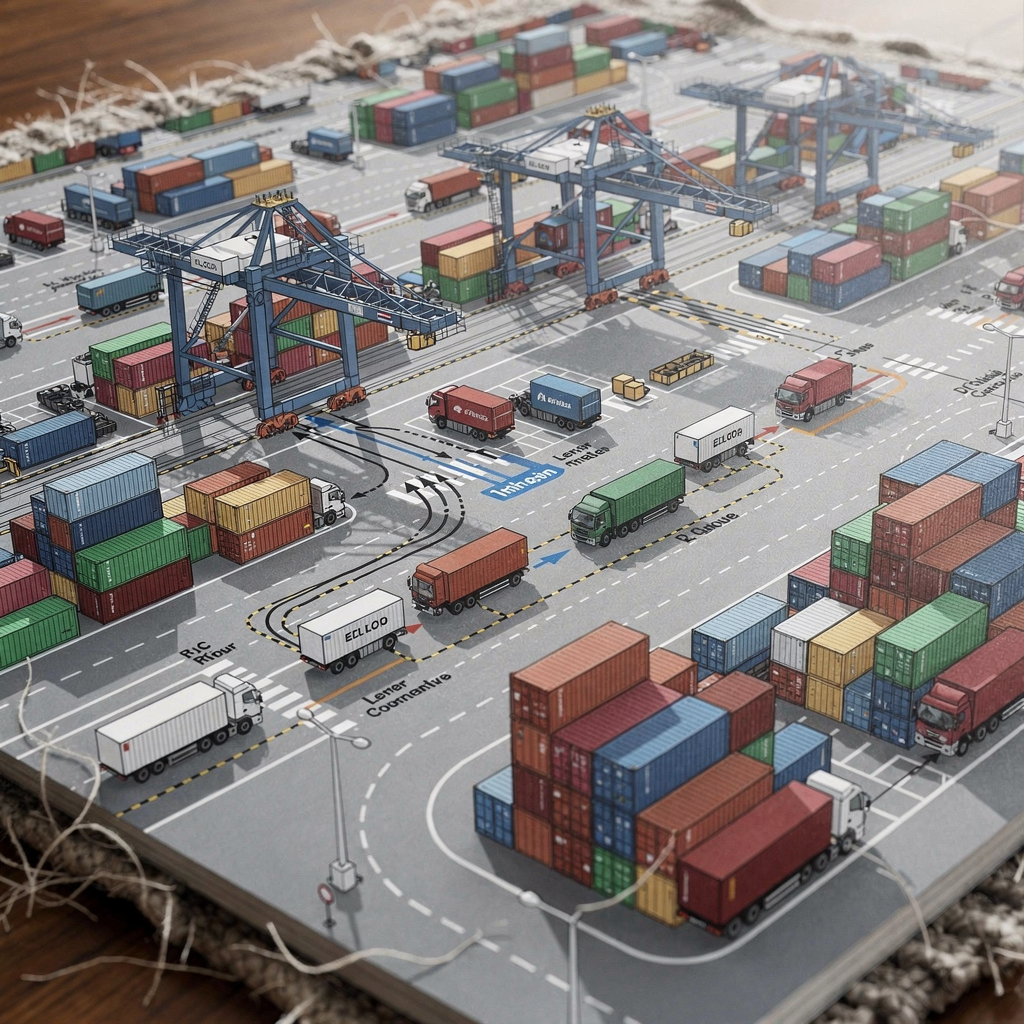
Resources include quay cranes, trucks, RTGs, and yard blocks. Resource pools capture utilization and allow dispatch logic to maximize crane productivity while minimizing yard travel. The model tracks KPIs such as moves per hour and crane utilization, and it produces charts and statistics for sensitivity runs. You can also simulate process automation features, test system dynamics feedback, or combine fluid and discrete logic to represent combined flows.
Model building typically follows a structured workflow: define agents or objects, create routes and process flows, set parameters and seeds, and then run experiments. Using anylogic and the provided palette, modelers can reuse components, add custom Java code where needed, and export simulation data for further analysis. The approach helps predict congestion and provides insight into how changes to schedule or yard layout affect performance.
Drowning in a full terminal with replans, exceptions and last-minute changes?
Discover what AI-driven planning can do for your terminal
library: Key Components and Integration
The Terminal Simulation library includes ready-made components to accelerate model building. Core blocks cover quay cranes, yard managers, truck processors, gate controllers, and storage blocks. Each component exposes parameters such as cycle times, travel speeds, and shift rules. You can change a component’s parameter to represent a different RTG type or crane model. The modeling library supports reuse and lets you extend the palette with custom blocks written in Java for unique operational behavior.
Integration options matter. AnyLogic’s modular approach makes it easy to combine the Terminal Simulation library with the Material Handling library and the Rail library to model multimodal workflows (Material Handling Library – AnyLogic Simulation Software, Rail Library | AnyLogic Help). This helps terminals evaluate rail-bound trains and port gate interactions. Additionally, GIS layers support real-world maps so the model represents the actual yard geometry and road network. The palette also supports 3d animation for stakeholder buy-in and for validating spatial constraints.
Parameterization is straightforward. You import schedule files, arrival distributions, and equipment specifications. Then you set seed values and run batch experiments to gather statistics. For advanced behavior, the library supports agent objects for vessels, container blocks, and operators. You can implement agent-based behavior for dynamic decision rules, or you can rely on process modeling blocks to represent standard flows. The library enables both methods as part of AnyLogic’s multimethod capability. For terminals that seek to optimize dispatch logic, this flexibility proves valuable.
When teams need to validate models, they run sensitivity analysis and compare outputs against historical records or pilot runs. They can export charts and reports, and they can feed simulation data into optimization routines or an external optimizer. In one public reference, AnyLogic shows port use cases and how simulation helped operators justify investments (Port and Terminal Simulation Software – AnyLogic).
simulation model: Building and Configuring Terminal Operations
Start model building by defining agents and core objects. Create agent classes for ships, trucks, and containers. Then map routes for quay-to-yard movements and for gate flows. The modeler assigns resources, builds queues, and implements dispatch rules. A clear first step is to model the vessel call and berth schedule because that drives the vessel-to-yard workflow and the yard stacking needs. For those who want a practical guide, our walkthrough on how to simulate container terminal operations describes a full workflow and typical data inputs (see the detailed guide on how to simulate container terminal operations).
Data inputs matter. Import arrival patterns, handling times, and shift schedules. Then parameterize crane cycle distributions, truck travel speeds, and gate processing times. Users often include realistic stochastic profiles and breakdown probabilities. After setup, run batch experiments to capture variation, perform sensitivity analysis, and quantify worst-case scenarios. You should record statistics such as moves per vessel, crane utilization, and average truck waiting time. Also, use model experiments to validate the simulator against known historical performance so the model can represent real-world behavior and support confident recommendations.
Model configuration includes scenario selection. Build baseline and alternative scenarios. For example, change crane deployment, add a second berth, or alter yard layout and then compare outputs. Use automated scripts to run replicates and then export simulation data for deeper analysis. You can also link the model to optimization tools or to our reinforcement learning loop to train agents. Loadmaster.ai routinely spins up a digital twin and then trains agents against explainable KPIs so the policy learns strategies that reduce rehandles and maximize utilization. That approach uses millions of simulated decisions and avoids dependence on historical datasets.
Remember to validate results and then refine. Use charts to inspect time series, use distribution comparisons to validate handling times, and then iterate on parameters. The model should remain flexible to adopt new operational rules, to test process automation, and to implement rule changes. A disciplined approach to model building ensures the simulation model becomes a reliable decision support asset for investments and daily operations.
Drowning in a full terminal with replans, exceptions and last-minute changes?
Discover what AI-driven planning can do for your terminal
optimization: Scenario Testing and Resource Allocation
Optimization in terminal contexts focuses on measurable KPIs. Key performance indicators include throughput, turnaround time, crane utilization, and truck waiting time. Start by defining those measures clearly. Then build scenarios that change resource counts, crane deployment, or yard allocation. Run experiments, compare results, and recommend staffing or equipment configurations. For deeper planning, use sensitivity analysis to check how robust the recommendations are under varied demand and disturbances.
When testing what-if scenarios, change a single variable at a time and then change combinations. For example, test a different crane schedule, then change yard allocation, and finally test both together. Use scenario runs to quantify trade-offs between quay productivity and yard congestion. A well-configured experiment will show where the bottleneck shifts and how utilization changes. The Terminal Simulation library supports repeated batch runs and automated export of simulation statistics so teams can analyze outcomes quickly.
Optimization can combine heuristics, mathematical solvers, and reinforcement learning. Our company applies RL agents to recommend stow plans and dynamic dispatch policies, which helps maximize crane utilization and minimize rehandles. In practice, RL agents train on a digital twin to propose policies that generalize to new traffic mixes, while traditional optimization can tune parameters quickly for a narrow objective. This hybrid approach can predict outcomes and provide robust recommendations for staffing, equipment mix, and layout.
Use the model to analyze a range of operational strategies. For instance, test changes to gate schedules and then measure truck delay and route distance. Test yard block reassignment and then measure rehandle and utilization. Use charts to compare scenarios and to quantify ROI for new equipment purchases. Also, validate recommendations against a real-world use case where simulation-driven changes delivered a near 20% throughput gain in a container terminal project (Port and Terminal Simulation Software – AnyLogic).
case studies: real-world use case in Terminal Operations
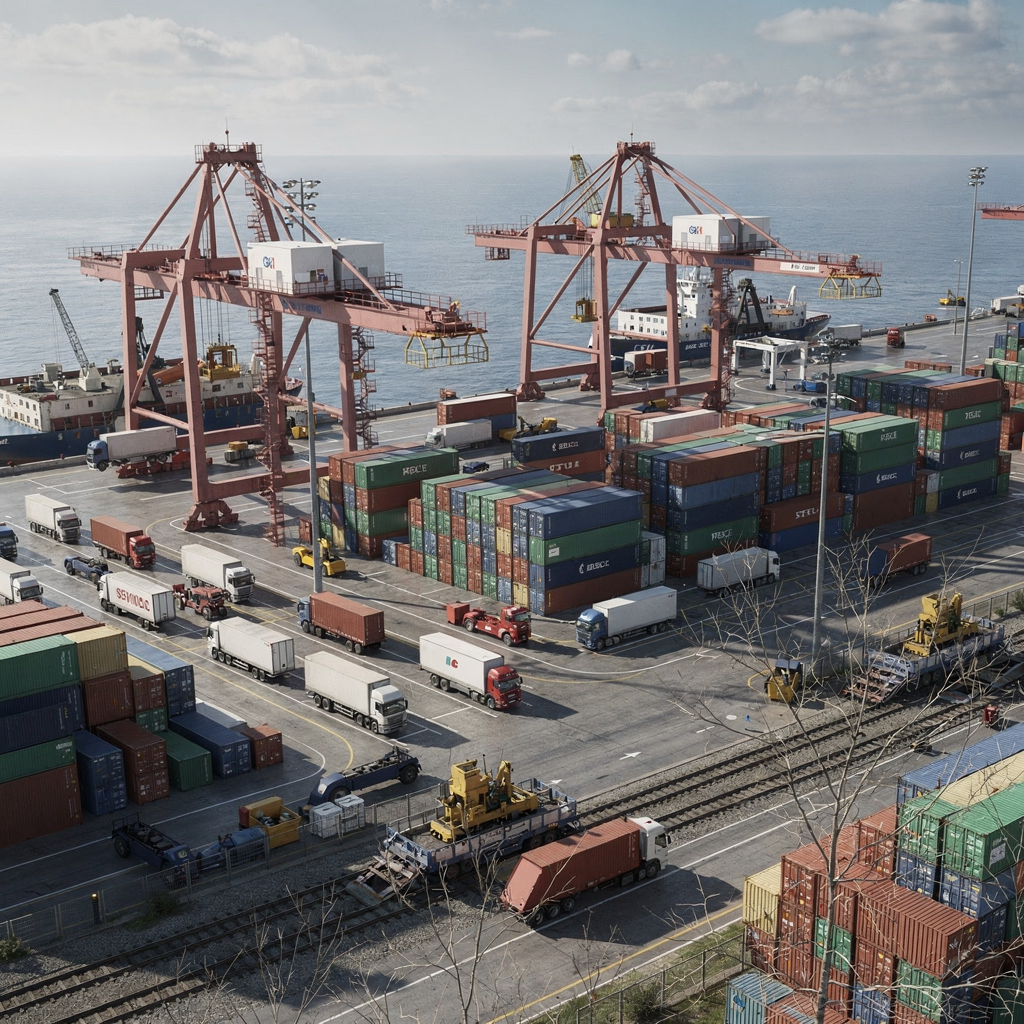
Case studies show how simulation turns recommendations into results. One documented example used simulation to identify layout changes and to reassign cranes, producing up to a 20% throughput improvement in a container terminal. That public reference highlights measurable benefit and ROI from simulation-based planning (Port and Terminal Simulation Software – AnyLogic). A webinar and vendor materials describe how modeling clarified capital choices and helped reduce operating costs in months.
Another use case focused on intermodal scheduling and reduced truck waiting times by adjusting gate schedules and aligning yard priorities. In that project, the model represented rail and road handoffs and used the rail library to account for train arrival patterns (Rail Library | AnyLogic Help). By testing scenarios, the team minimized truck queue length without degrading quay performance. The project used simulation data to validate investments and to set requirements to meet capacity goals for peak months.
Port expansion planning is a third common application. Planners test alternative layouts and equipment mixes before committing capital. They evaluate gantry numbers, yard footprint, and access roads. Simulation helps quantify where to invest and how to phase works. For terminals such as the Port of Long Beach, scenario testing helps align operational constraints and stakeholder objectives. You can read modeling examples and the reasoning to validate expansion plans in shared reports and published guides (Port and Terminal Simulation Software – AnyLogic).
At Loadmaster.ai we pair digital twin training with RL agents to deliver closed-loop optimization. This approach avoids reliance on historical data and instead generates experience in simulation. The result is a practical route from what-if scenarios to production controls that reduce rehandles, balance workloads, and increase crane utilization. The case studies above show how a powerful tool and careful experimentation translate into operational gains and measurable insight.
FAQ
What is the AnyLogic Terminal Simulation Library?
The Terminal Simulation library is a set of components and templates within AnyLogic designed to model port and container terminal operations. It provides quay crane, yard, gate, and truck processor components so teams can build a realistic simulator and analyze operational performance.
How does discrete event differ from agent-based approaches in terminal models?
Discrete event focuses on queues, events, and resource allocation while agent-based modeling represents individual actors with autonomous behavior. You can combine both methods in multimethod models to capture process logic and detailed behavior together.
Can the library integrate with rail and material handling components?
Yes. You can integrate the Terminal Simulation library with the Material Handling and Rail libraries to simulate multimodal flows and yard-to-rail transfers. See the Material Handling and Rail documentation for examples (Material Handling Library – AnyLogic Simulation Software, Rail Library | AnyLogic Help).
Do I need historical data to get value from simulation?
No. Simulation provides value even without perfect history because you can create realistic arrival patterns, ranges of handling times, and scenario distributions. Loadmaster.ai often trains agents in a digital twin without relying on historical data, then refines models with live feedback.
What KPIs should I monitor in terminal simulation?
Common KPIs include throughput, vessel turnaround time, crane utilization, truck waiting time, and rehandle counts. Use these to compare scenarios and to quantify expected benefits from changes to yard layout or schedules.
How do I validate a simulation model?
Validate by comparing model outputs to known historical patterns, by checking distributions for handling times, and by running test scenarios where outcomes are predictable. Use visualization and charts to inspect process flows and to confirm the model represents the real-world system.
Can simulation help with capacity investment decisions?
Yes. Simulation helps quantify the benefit of new cranes, yard expansions, or process automation before purchase. Use scenario testing and sensitivity analysis to evaluate ROI and to set requirements to meet capacity goals.
Is AnyLogic suitable for digital twin and optimization workflows?
AnyLogic supports digital twin concepts and integrates with optimization approaches. You can feed simulation outputs to optimizers or train RL agents in a digital twin to derive control policies that work in live operations.
How does animation help stakeholder buy-in?
Animation and 3D views translate abstract metrics into visible flows. Stakeholders can see queues and yard congestion, which helps them accept recommended changes and trust the simulation model’s insight.
Where can I learn more about modeling container terminals?
Start with practical guides and case studies, such as the how-to article on simulating container terminal operations. Also, review vendor resources and webinars to learn common patterns and experiment designs (how to simulate container terminal operations).
our products
 stowAI
 stackAI
 jobAI
jobAI
Innovates vessel planning. Faster rotation time of ships, increased flexibility towards shipping lines and customers.
Build the stack in the most efficient way. Increase moves per hour by reducing shifters and increase crane efficiency.
Get the most out of your equipment. Increase moves per hour by minimising waste and delays.
stowAI
Innovates vessel planning. Faster rotation time of ships, increased flexibility towards shipping lines and customers.
stackAI
Build the stack in the most efficient way. Increase moves per hour by reducing shifters and increase crane efficiency.
jobAI
Get the most out of your equipment. Increase moves per hour by minimising waste and delays.