
introduction: Why Simulate Container Terminal Operations?
Ports manage many moving parts. First, planners must balance quay productivity, yard congestion, and truck flows. Next, they must adapt to vessel changes, equipment faults, and shifting demand. For that reason, discrete-event simulation has become a preferred method to test operational choices before real-world changes. For example, one study reported a potential 15% reduction in handling time from simulation-based resource allocation at a railway hub (Wuhan Railway Container Terminal). Also, simulation can show trade-offs clearly so teams can pick robust policies.
Why model this complexity? Firstly, modern container logistics are complex. Secondly, planners need decision support that can score alternatives under uncertainty. Then, teams can avoid costly experiments in the live yard. For example, a Port of Sines study used virtual runs to find layout changes that could raise throughput by about 12% (Port of Sines). Therefore, a virtual approach gives measurable evidence. Also, stakeholders get a reproducible way to analyze queues, equipment usage, and driving distances.
This introduction gives an overview. First, the goals are to reduce rehandles, shorten truck wait, and raise crane utilization. Second, the method must capture container arrival patterns, quay moves, and yard reshuffles. Third, the model must be validated with historical throughput so decision-makers trust its output. For more detail on decision support and modeling choices see our material about terminal decision support terminal decision support. Finally, planners should expect iterative refinement. Because plans change, the model must also adapt and report new trade-offs. In addition, this content helps teams move from tactical firefighting to proactive planning.
flexsim: Overview of the CT Tool and Core Capabilities
FlexSim offers a focused way to create a digital representation of a yard and its workflows. Its object-oriented interface makes it simple to define custom equipment, to attach logic to machines, and to trace moves. Also, FlexSim CT provides libraries for STS, RTG, and ASC equipment, which reduce build time and let users focus on rules and objectives. You can read about domain-specific training and libraries in specialized materials (FlexSim training).
First, the tool supports process logic for sequencing moves and for responding to breakdowns. Second, it connects to external data sources so planners can import manifests, arrival schedules, or telemetry. Third, flexibility helps when users need to customize a rule set; for instance, teams can edit crane assignment logic or change default stacking policies. In practice, modelers often export a text file of assignments for audit and then iterate.
Additionally, FlexSim integrates with optimization engines and with third-party systems. For example, teams can run experiments and then pass candidate plans to an optimizer, or they can use the CT libraries to test automation concepts. Also, companies evaluating what simulation software do container terminals use will find FlexSim among the lead options what simulation software do container terminals use. Finally, for teams that want to compare vendors, our guide to port software reviews gives a practical comparison port software reviews.
Drowning in a full terminal with replans, exceptions and last-minute changes?
Discover what AI-driven planning can do for your terminal
model: Building a Detailed Terminal Representation
Start by mapping yard blocks, berths, stacking rules, and gate procedures. First, define physical geometry and then attach equipment classes. Next, set arrival patterns for vessels and trucks. Also, translate operational rules into logic so the model can mimic dispatch behavior. For example, encode priority rules for export stacks, set maximum spread for RTGs, and specify handover points for trucks. This is the method that turns drawings into an executable model for testing. For hands-on guidance see our article on how to model container yard operations how to model container yard operations.
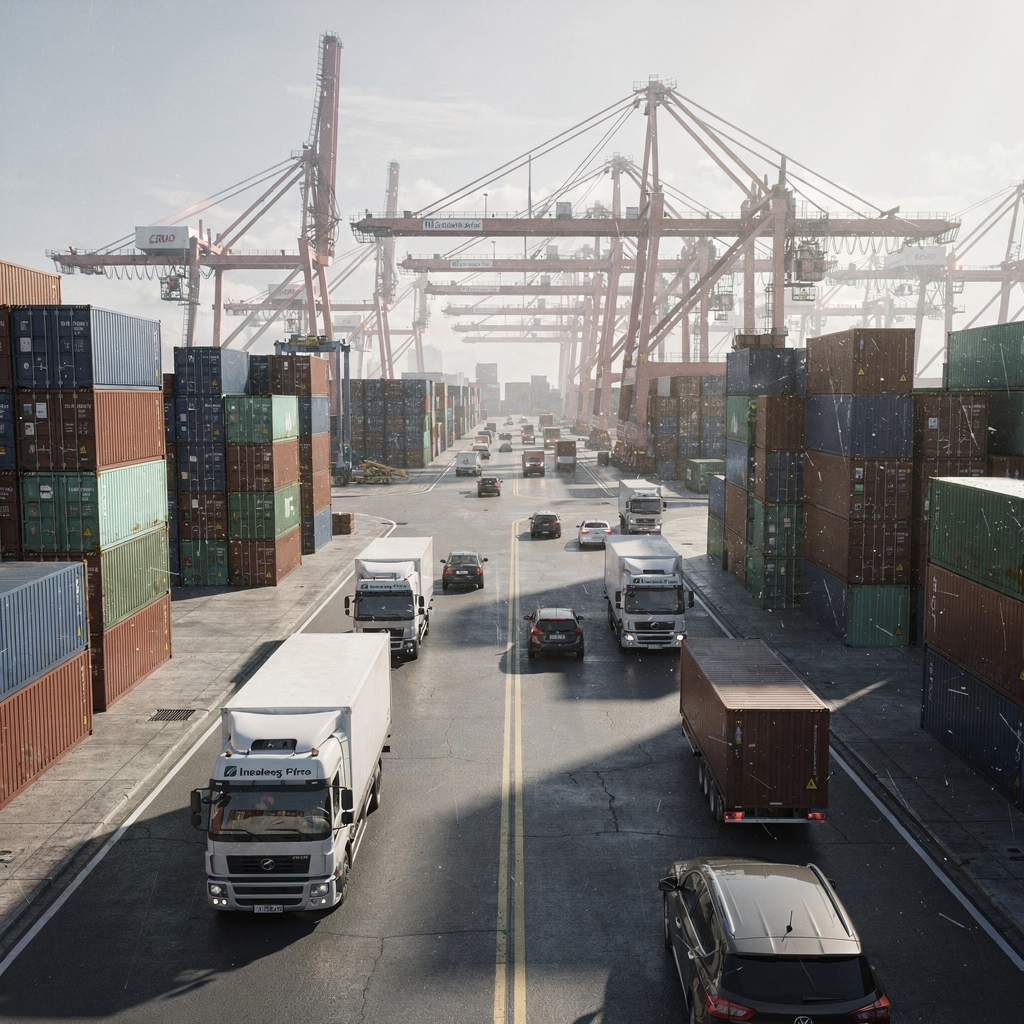
Also, set up data feeds and scenario inputs. For data, import arrival schedules, crane rates, and gate windows. Then, you can seed experiments and run a project using flexsim to prove new layouts. In addition, building requires property fields on objects so the model can check container attributes for size, destination, and priority. Also, include code snippets to implement custom decision rules when default components cannot express the required logic.
After build, validate the model. First, run baseline experiments and compare model output to historical throughput. Next, check queue lengths, berth occupancy, and handling times against recorded values. For more detail on validation approaches and a comparison of modeling approaches, see our piece on terminal performance modelling software terminal performance modelling software. Finally, edit the model until statistics match. Then, you get confidence to test future layouts or to use the model to produce a formal report.
flow: Capturing Container Movement and Queue Dynamics
Model each flow element from vessel discharge to yard stacking and then to gate pickup. Start by tagging a single flow item with properties such as size, weight class, and delivery window. Next, trace its path through cranes, trucks, and stacking machines. Also, track dwell time at each stage so teams can calculate bottlenecks. For example, studies show that targeted resource allocation can raise equipment utilisation by about 10% (resource allocation study). Therefore, a clear picture of flow helps teams prioritize changes.
Also, model queues explicitly. Put queue limits on berth approaches, crane buffers, and gate lanes. Then, measure waiting times and count vehicles in queue. Next, run stochastic trials to capture variability from weather, variable arrivals, and failures. In addition, track inside the container attributes for special handling or hazardous goods. This ensures decisions respect constraints and that the model can manage realistic exceptions.
Then, analyze results. First, compute averages and then examine tail behavior to identify rare but costly delays. Also, compare alternative assignments to see which reduces rehandles or reduces driving distance. For teams that want to analyze capacity investment or equipment scheduling, our case studies and tools pages offer practical examples case studies. Finally, use the model to test TOS changes or to plan gate expansions. Because flows change fast, the ability to re-run scenarios quickly helps managers respond to demand shocks and to keep operations steady.
Drowning in a full terminal with replans, exceptions and last-minute changes?
Discover what AI-driven planning can do for your terminal
3d: Immersive Visualisation to Reveal Insights
Real-time 3D animation brings dry numbers to life. First, a visual run shows crane cycles, truck paths, and stacking moves. Next, viewers can spot spatial conflicts and under‑utilised lanes faster than they would from tables. Also, 3D helps communicate findings to non-technical stakeholders so decisions get buy-in. For details on 3D visualization in port logistics see the original visualization paper Simulating port logistics operations using 3D visualization technology.
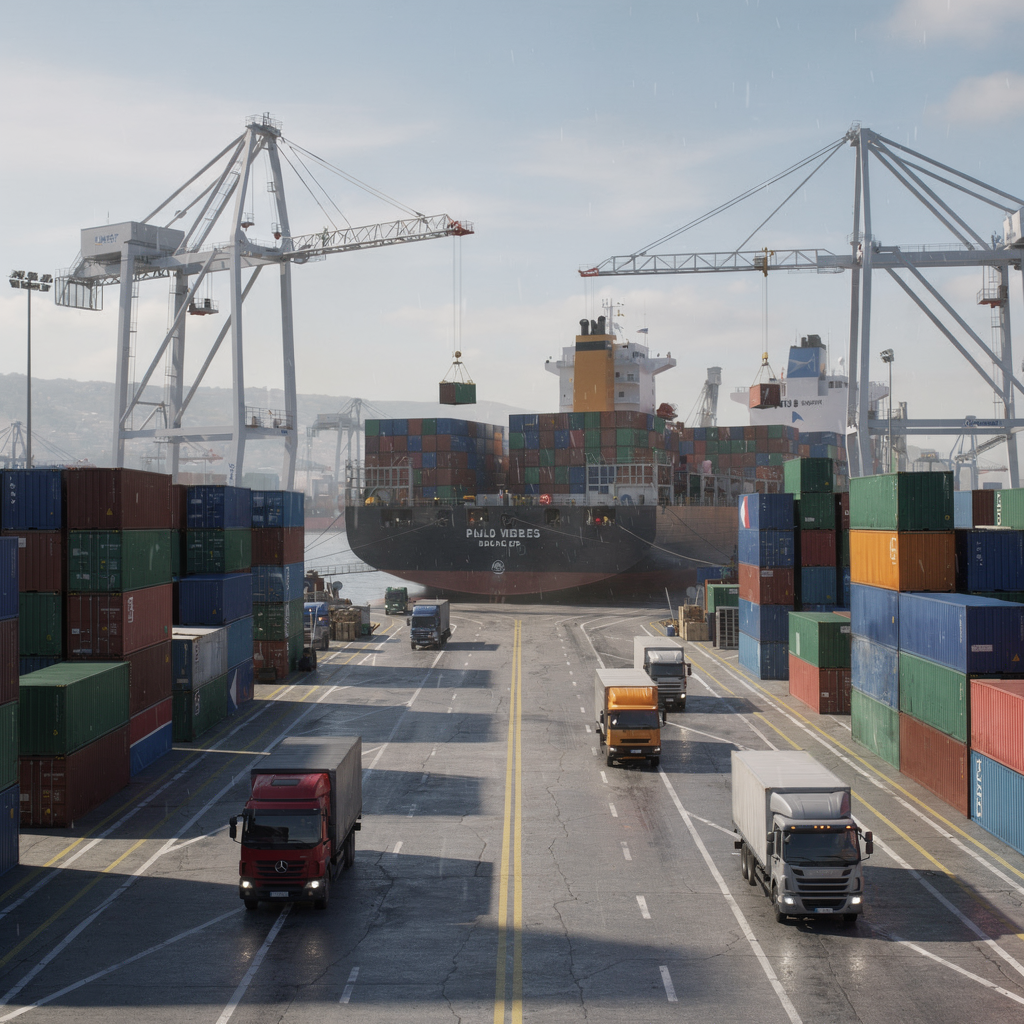
Also, create an overview of 3d object flows so operators can watch how objects interact across the yard. Then, annotate hotspots where travel distances spike or where gates back up. In addition, use camera paths to produce short clips that summarize a scenario. For object flows for more information, planners can attach logs to every move so the visual output links directly to the underlying statistics. This makes it simple to check why a bottleneck occurred and then to propose a fix.
Finally, combine visuals with dashboards. For example, show berth occupancy percentages while the run plays. Also, produce a short report with screenshots and key metrics to distribute to stakeholders. For teams that want to review equipment utilisation while watching runs, see our discussion on equipment utilisation simulation and transportation trade-offs equipment utilisation simulation. This approach turns abstract numbers into actionable insight so planners can approve changes with confidence.
improve: Scenario Testing to Improve Port Performance
Use what‑if runs to compare layouts, staffing mixes, and equipment assignments. First, define a small set of scenarios such as extra RTGs, an alternate gate schedule, or a new berth plan. Next, run each scenario and capture key metrics like moves per hour, average wait, and number of rehandles. For instance, targeted experiments at a seaport helped identify layout changes that could increase throughput by roughly 12% (Port of Sines). Therefore, quantified scenarios let teams prioritize investments with evidence.
Also, combine virtual tests with advanced control policies. For example, Loadmaster.ai trains RL agents in a sandbox digital twin to discover policies that balance quay and yard KPIs. Then, agents propose assignments that aim to reduce rehandles and shorten driving distances. In addition, the closed-loop approach creates adaptable controls that transform tactical planning into steady policy. For readers who want a comparison between TOS and simulation-driven planning, see our TOS vs simulation differences guide TOS vs simulation differences.
Next, plan a rollout. First, test the candidate policy in an emulation environment. Then, run acceptance tests and audit the code path that implements decisions. Also, prepare a default fallback so dispatchers can revert if needed. Finally, evaluate measured gains: reduced moves per rehandle, higher crane utilisation, and shorter travel distances. For guidance on capacity planning and investment decisions using a digital twin, our terminal optimisation page offers a practical roadmap terminal optimisation and digital twin. As a result, teams can improve operations with lower risk, and they can transform infrastructure, staffing, and control logic with confidence.
FAQ
What is FlexSim and why is it used for terminals?
FlexSim is a modeling environment that helps teams represent physical assets and operational rules. It is used to test layout changes, resource allocations, and process logic before committing to costly changes in the live terminal.
Can FlexSim represent automated equipment like ASCs and RTGs?
Yes. FlexSim CT libraries include purpose-built components for Automated Stacking Cranes, RTGs, and Ship-to-Shore cranes. These components speed up model construction and help ensure behavior matches equipment capabilities.
How do I validate a model against real operations?
Validation starts by comparing baseline runs to historical throughput and queue statistics. Then, tweak parameters and re-run until the model produces comparable metrics, and finally document discrepancies for audit.
Does 3D visualisation add measurable value?
Yes. Visual runs make spatial issues obvious and accelerate stakeholder alignment. They also help non-technical reviewers understand the causes behind KPI changes.
What metrics should I track in scenario testing?
Key metrics include crane moves per hour, average waiting time, berth occupancy, rehandles, and driving distance per move. Track distributions as well as averages to catch rare but important events.
How can simulation help with capacity investment decisions?
Virtual experiments quantify throughput gains from new layouts or equipment. This evidence helps prioritize investments and to forecast payback periods under different demand profiles.
Can FlexSim connect to external data and optimisers?
Yes. FlexSim can import schedules and telemetry and can also integrate with optimization engines. This lets teams combine model-based testing with automated plan generation.
What is the typical workflow for a modeling project?
Begin with requirements, build the geometry and logic, validate against historical data, run scenarios, and then prepare reports for stakeholders. Iterate as control rules or layouts evolve.
How do AI agents like those from Loadmaster.ai fit with virtual testing?
AI agents are trained in digital twins to search policy space and to propose robust control rules. They complement modeling by finding strategies that human rules or supervised models might miss.
Where can I learn more about terminal modelling and tools?
Explore practical guides and comparisons on vendor capabilities, TOS integration, and case studies. Start with our reviews and planning pages to get hands-on examples and next steps.
our products
 stowAI
 stackAI
 jobAI
jobAI
Innovates vessel planning. Faster rotation time of ships, increased flexibility towards shipping lines and customers.
Build the stack in the most efficient way. Increase moves per hour by reducing shifters and increase crane efficiency.
Get the most out of your equipment. Increase moves per hour by minimising waste and delays.
stowAI
Innovates vessel planning. Faster rotation time of ships, increased flexibility towards shipping lines and customers.
stackAI
Build the stack in the most efficient way. Increase moves per hour by reducing shifters and increase crane efficiency.
jobAI
Get the most out of your equipment. Increase moves per hour by minimising waste and delays.